
Strategy rarely stalls marketing.
Implementation? That's another story.
Why This Happens
The marketing systems are working. Until they aren't.
Here's what happens: A business gets past the point where the owner's doing everything themselves, so there's a real marketing operation in place. They've hired a couple of people, or maybe they've signed on with an agency. The individuals in the office (or the agency) are usually good at running campaigns, managing content, creating Canva graphics, filling orders -- that sort of thing. What they're not usually set up to do is work on the site itself, or the subsequent marketing systems. When a payment gateway starts failing, email stops landing in inboxes, or a plugin breaks checkout, it falls into a gap because a lot of the time, these individuals don't have the technical expertise to dig in and figure out what broke.
That's where I come in.
Choosing The Right Path

Recommending a solution before understanding the problem doesn't make much sense.
By the time most businesses reach out, they already know something isn't working. What they usually don't know is whether they need a rebuild, an optimization project, or a much smaller change that addresses the real issue.
That's why I don't begin with a service. I begin by understanding the problem.
Three Paths Forward
Once the problem is clear, the work usually moves in one of three directions:
Build A Better Foundation
Eventually, every website reaches its limits. When it does, stop patching yesterday's decisions and build for tomorrow's business.
Remove Technical Friction
Not every problem deserves a rebuild. Improve the parts that matter and don't touch what's already working.
Keep Things Moving
Businesses evolve. Websites should evolve with them. Regular improvements keep the website supporting the business instead of slowly falling behind.
What This Looks Like In Practice
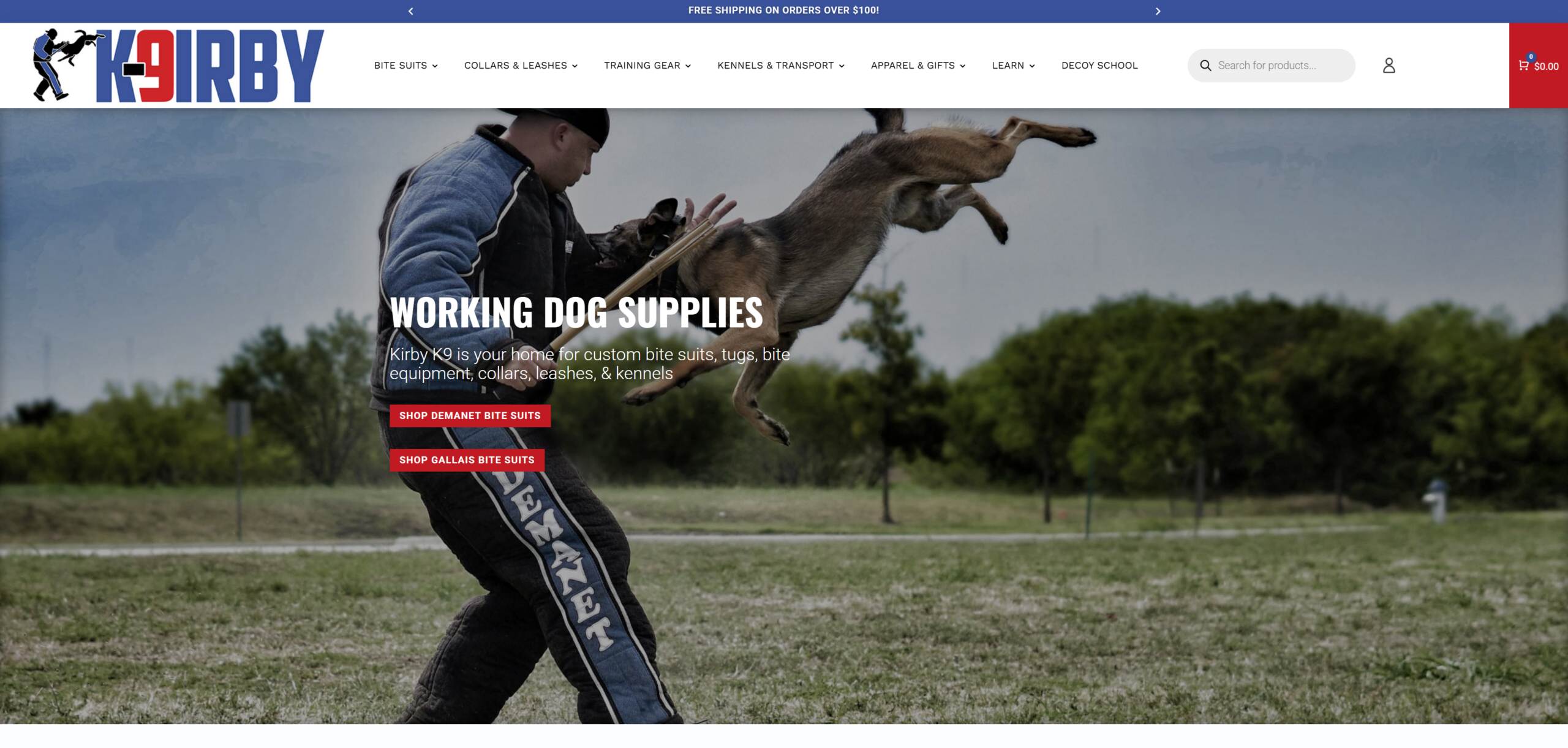
K9Irby
Effective inventory management for vendor-sourced and in-house-made products.
K9Irby sells a mix of gear made in-house and gear sourced from outside vendors, and only the vendor-sourced products actually needed inventory tracking. This fact ruled out the blanket solution of tracking inventory on all products because the same size and color options had to behave differently depending on where the product came from. I built tracking through a custom field setup instead of WooCommerce's standard dropdown variations so that shoppers see one clean product page and are able to choose product options regardless of whether the product is vendor-sourced or made in-house. On the back end, only the vendor-sourced items track stock behind the scenes per variant. None of that shows up in the cart, the order emails, or the order screen. The customer gets a normal purchase flow, and Josh & Shannon get accurate inventory where it's actually needed.
SlipLeashes
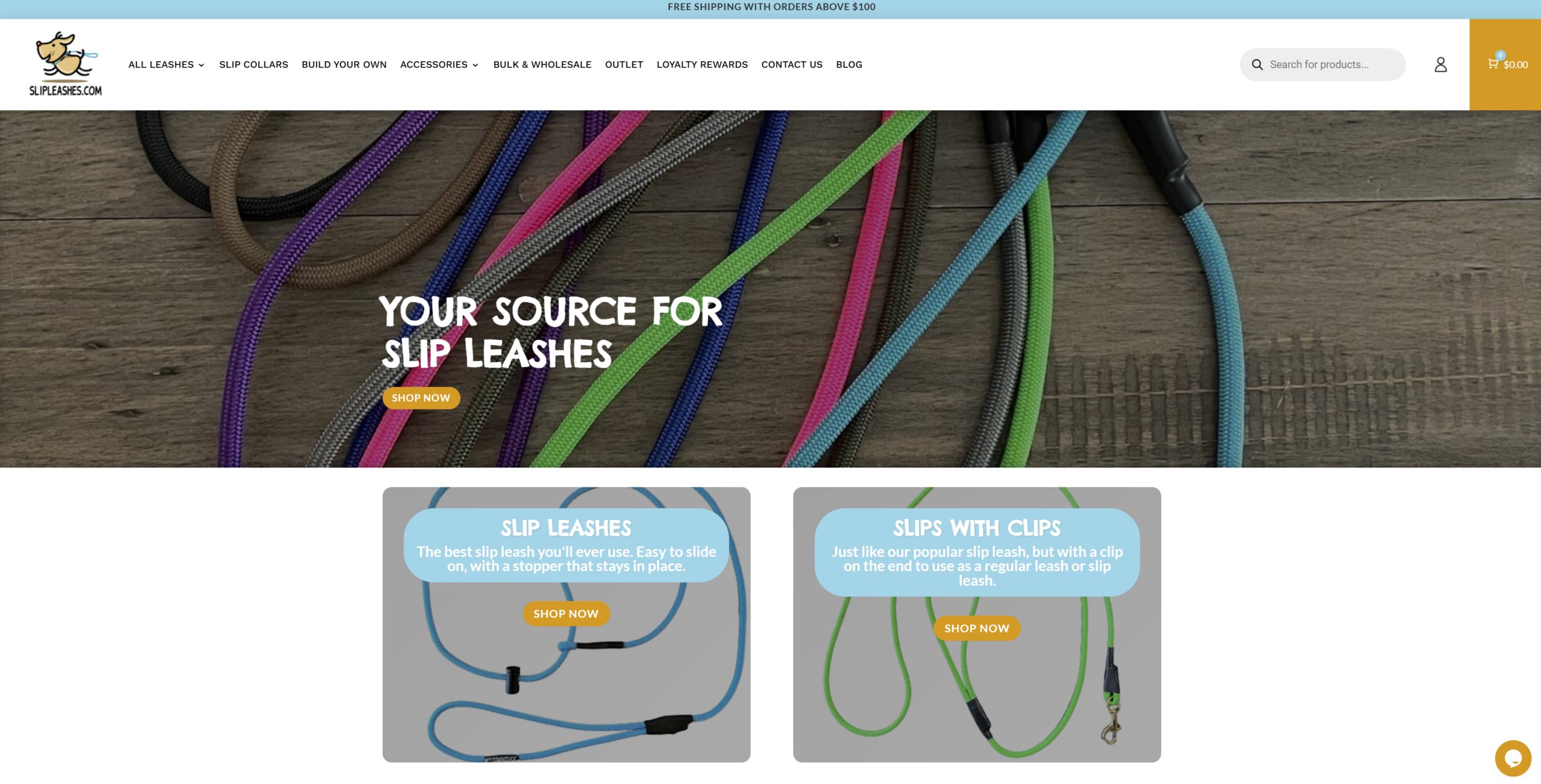
Two automated-email bugs, one root cause, gone in one fix.
After a payment processor switch, SlipLeashes had two different problems coming from the same plugin. Some customers who had already paid successfully got a "payment failed" email anyway. Others whose orders were already complete got a "you forgot something" abandoned-cart email. The root cause was the same: the plugin was sending automated emails without checking the order's actual status first. To solve this, I read the plugin's code, created a patch, tested it on an order on the live store, and deployed safely. The result? Automated emails are now flowing smoothly again, and we don't have any more confused customers.

Hi, I'm Charline.
Most businesses don't need another website. They need clarity about what's actually holding the business back.
Technology should support the business, not dictate it.
I help businesses untangle technical problems so they can make better decisions about what to build, improve, or leave alone.
Not Everything Needs a Rebuild.
Sometimes the right answer is a new website. Sometimes it's a few strategic improvements. Let's figure out what will have the biggest impact on your business.